
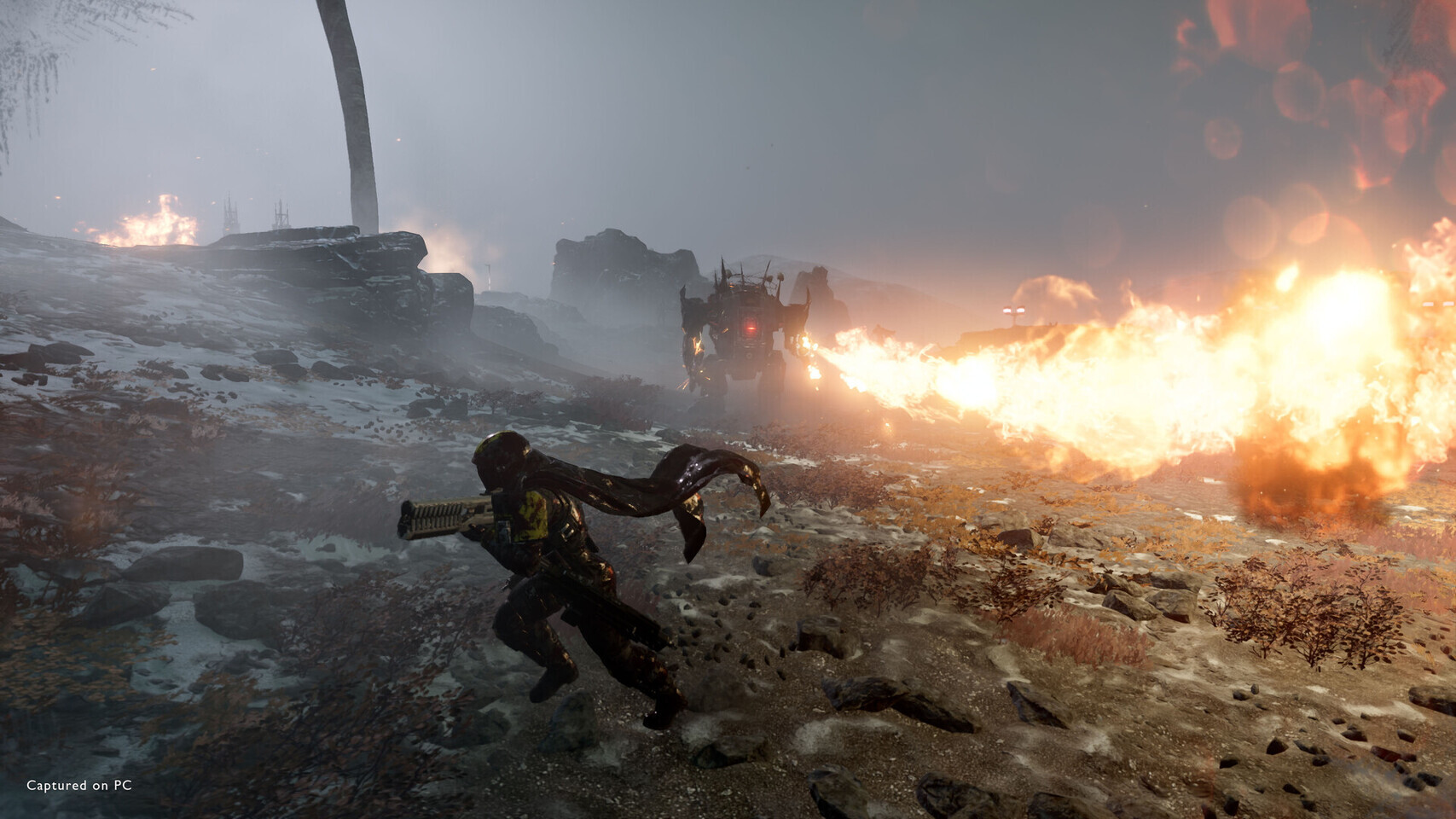
Helldivers 2 now supports AMD FSR 3.1.5 and FSR 4.0.3, NVIDIA DLSS 4.5 and Intel XeSS 3.0 on PC. Arrowhead added the upscalers in Machinery of Oppression update 6.2.5 alongside variable rate shading, PC dynamic resolution and latency-reduction options. Hotfix 6.2.6 then addressed image-quality problems across the new scaling paths.
The update is no longer an upcoming performance promise. It is part of the released PC build, although the exact option available to a player depends on the installed GPU and driver.
FSR 3.1.5 provides the base while supported GPUs can use FSR 4
Arrowhead lists FSR 3.1.5 as the AMD upscaling implementation and says GPUs that support it will run FSR 4.0.3. That distinction matters: selecting the AMD path does not make every graphics card an FSR 4 device. Hardware and driver support determine which version is used.
DLSS 4.5 is available for compatible NVIDIA GPUs, while XeSS 3.0 covers Intel’s current upscaling path and supported hardware from other vendors. The technologies reconstruct a higher-resolution image from a lower internal render resolution, trading some image stability and detail for performance.
Players should compare Quality, Balanced and Performance modes in the scenes they actually play. Helldivers 2 combines particles, fog, foliage and rapid camera motion, all of which can expose shimmering, ghosting or breakup that is less visible in a static benchmark.
VRS and dynamic resolution target GPU load from different directions
Variable Rate Shading reduces the shading rate in selected parts of the image, allowing the GPU to spend less work on pixels that are expected to look similar. It requires supported hardware and can be evaluated separately from the reconstruction method.
Dynamic Resolution Scaling is now supported on PC. DRS changes internal resolution to pursue a performance target as load rises and falls. Used together with an upscaler, it can protect frame rate during heavy combat, but aggressive scaling can also make image quality change noticeably from one moment to the next.
The right setup depends on the bottleneck. Upscaling and VRS mainly reduce GPU work; they cannot solve every CPU-side slowdown created by simulation, enemies or background processes.
Reflex and Anti-Lag 2 address latency
NVIDIA Reflex is available for supported NVIDIA GPUs, and AMD Anti-Lag 2 is available for supported AMD hardware. Both are intended to reduce the time between player input and a rendered response by controlling work queued through the graphics pipeline.
Latency options can help when the system is GPU-bound, but they do not replace a stable frame rate or a healthy network connection. Helldivers 2 players should change one setting at a time and use the same mission type when comparing results.
Update 6.2.6 followed with image-quality fixes
The first hotfix after the technical rollout improved image quality for DLSS, FSR and XeSS on PC. It also targeted FSR quality on consoles, PSSR on PS5 Pro and problems involving dynamic resolution. That follow-up is important context because the initial 6.2.5 implementation produced visible complaints even though its feature list was substantial.
These graphics changes are separate from the later Illuminate Void content. Future patches may continue tuning individual upscalers, so version-specific behavior should be checked against the current game build rather than treated as fixed forever.
For a useful before-and-after test, players should record native resolution, preset, render scale, frame cap and driver version. Comparing screenshots or frame rates without those controls can make an upscaler change look responsible for a difference caused by another setting or by a newer driver profile.
Sources: Arrowhead Game Studios — Machinery of Oppression 6.2.5; Arrowhead Game Studios — Machinery of Oppression 6.2.6.