
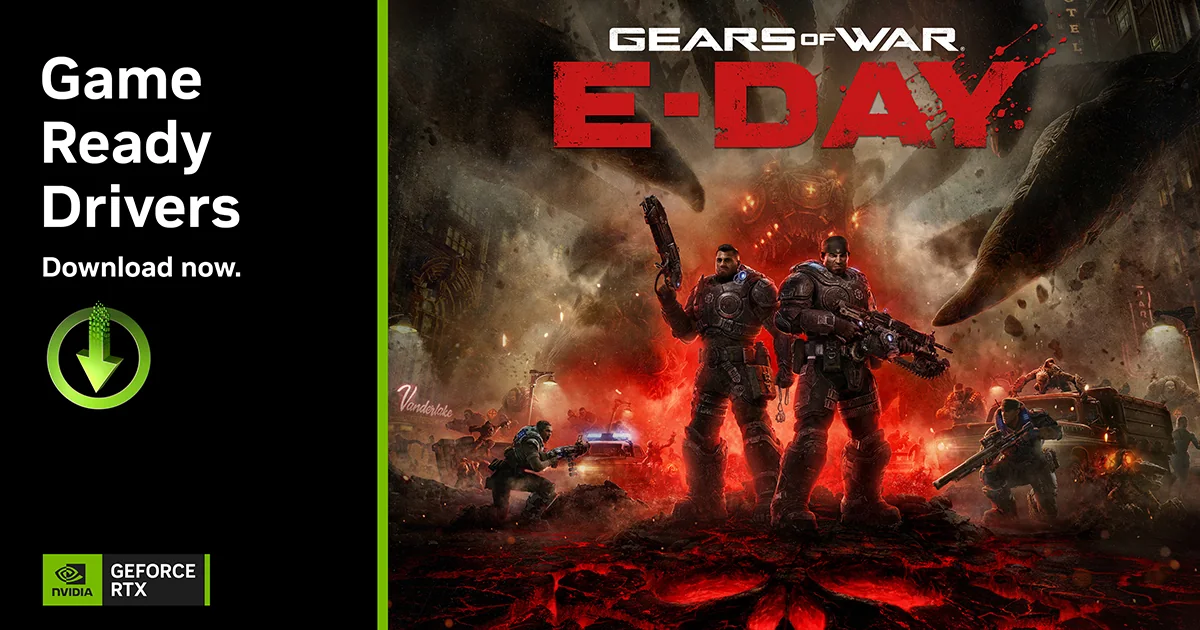
NVIDIA has released GeForce Game Ready driver 610.88 WHQL for Windows 10 and Windows 11. The release adds Game Ready support for Halo: Campaign Evolved, the Gears of War: E-Day Multiplayer Beta, and Mistfall Hunter. It also resolves seven issues documented in NVIDIA’s official Windows release notes.
The driver is available through the NVIDIA app and GeForce.com. NVIDIA’s main announcement focuses on game support and RTX features, while the accompanying release notes document the fixes, software-module versions, and one remaining open issue.
Game support and release timeline
Halo: Campaign Evolved launched on July 28 after an early-access period that began on July 23. NVIDIA lists DLSS Super Resolution, Frame Generation, and NVIDIA Reflex. Compatible systems can also use the NVIDIA app to apply DLSS 4.5 features, including Dynamic Multi Frame Generation and newer Super Resolution models.
Early access to the Gears of War: E-Day Multiplayer Open Beta begins on August 6 for pre-order customers and PC Game Pass subscribers. The beta includes DLSS Super Resolution and NVIDIA Reflex. NVIDIA says the full game, scheduled for October 6, will support the complete DLSS 4.5 technology suite on compatible GeForce RTX systems.
Mistfall Hunter launches on July 29. NVIDIA lists DLSS Super Resolution, Multi Frame Generation, Dynamic Multi Frame Generation, Reflex, ray-traced reflections, and ray-traced shadows.
Feature support differs between the games
The available feature combinations are not identical. Halo combines Super Resolution, Frame Generation, and Reflex, with additional DLSS 4.5 overrides available through the NVIDIA app. The Gears beta begins with Super Resolution and Reflex, while the full release is planned to support the wider DLSS 4.5 suite. Mistfall Hunter combines upscaling, frame-generation options, Reflex, and ray-traced effects.
DLSS Super Resolution reconstructs a higher-resolution output from a lower internal rendering resolution. Frame-generation technologies create additional displayed frames, while Reflex is intended to reduce system latency. The exact options depend on the game implementation and compatible GeForce RTX hardware.
Seven issues fixed in NVIDIA driver 610.88
NVIDIA’s release notes list five gaming fixes and two general fixes. The company states that these are only a subset of all changes made in the driver.
- Halo: Campaign Evolved crashes observed on RTX 50 Series GPUs with R610 drivers have been resolved.
- Intermittent long pauses in Path of Exile 2 after extended gameplay sessions in DirectX 12 mode have been fixed.
- Silent Hill f receives gaming stability improvements.
- Strange Brigade and Zombie Army 4: Dead War should no longer crash on exit when the NVIDIA app in-game overlay is enabled.
- Frame pacing is improved in certain DirectX 11 games when Smooth Motion and G-SYNC are enabled.
- RTX Dynamic Vibrance should no longer be incorrectly applied to Wallpaper Engine.
- A Paint.NET launch crash occurring when NVIDIA Surround is enabled has been fixed.
The package includes CUDA 13.3, NVIDIA PhysX System Software 9.23.1019, HD Audio Driver 1.4.5.7, and DCH NVIDIA Control Panel 8.1.969.0. Driver 610.88 also makes NVIDIA’s newer Clang and NVVM 7.0-based OpenCL compiler the default.
One known issue remains
NVIDIA lists one open issue for version 610.88: the “Prefer Maximum Performance” power-management mode may not be applied correctly. Users who depend on that setting should verify its behavior after updating.
NVIDIA does not provide before-and-after benchmark results in the Game Ready article, and the listed feature support does not guarantee the same performance gain on every GPU. Results will depend on the graphics card, processor, resolution, game build, and selected settings.
The driver is not described as mandatory for all users. Players affected by one of the documented problems or preparing to play the supported releases have the clearest reason to update. Users whose current driver is stable can review the release notes and the known issue before installing.
Sources: NVIDIA’s Game Ready driver 610.88 announcement and the official Windows release notes for version 610.88.