
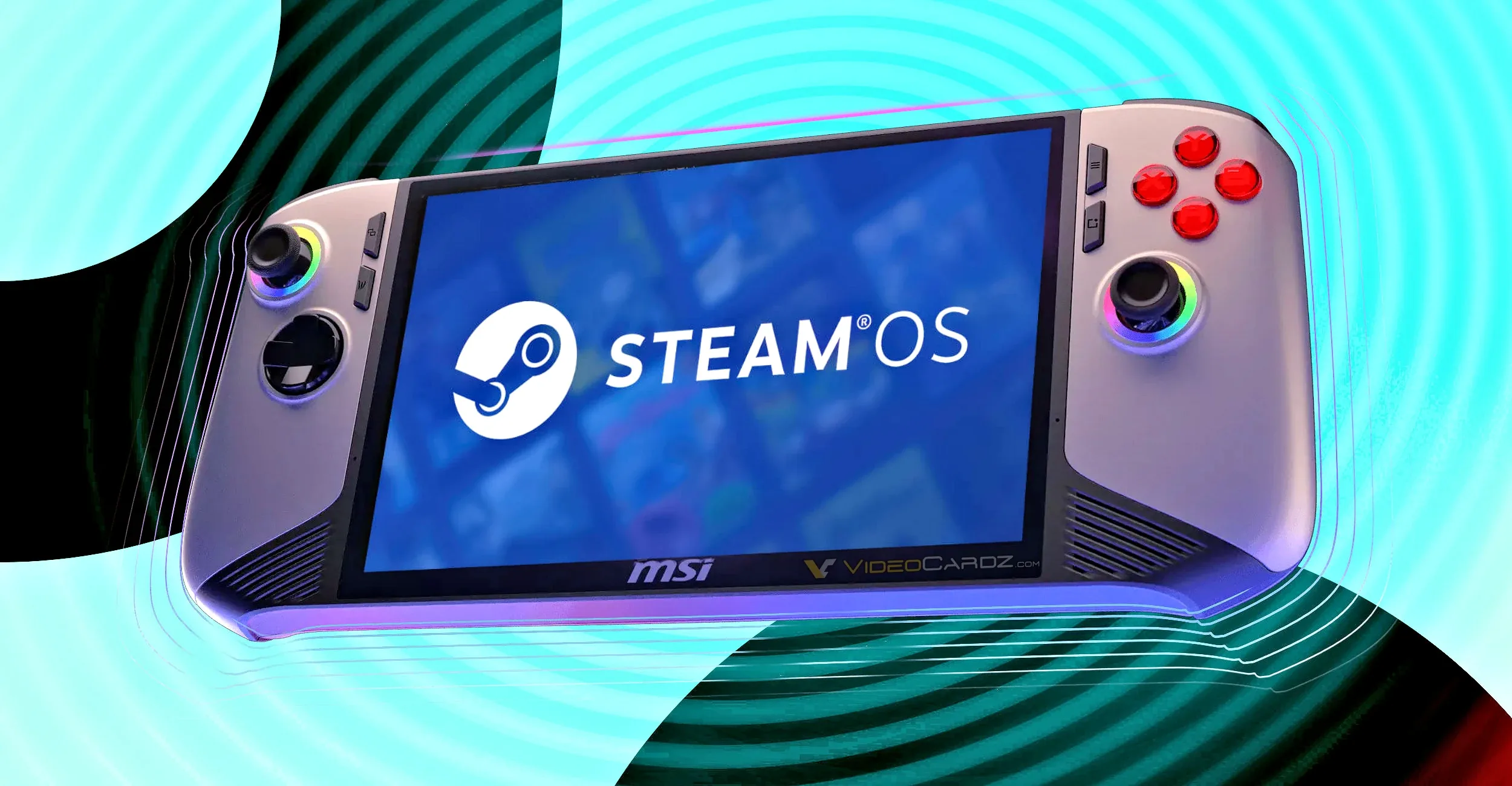
Valve has rolled out SteamOS 3.8.14 to the stable channel, and the headline change is a fix for Wi‑Fi slowdowns on some routers. The company says the issue affected routers that advertise incorrect MCS requirements, which could leave SteamOS connections running at lower speeds than they should. The stable update also includes security and stability improvements.
At the same time, Valve’s Beta and Preview channels have moved to SteamOS 3.8.22, which carries the same Wi‑Fi fix, while the broader beta branch adds a separate set of handheld-focused corrections under SteamOS 3.8.21. Those changes are aimed not just at Steam Deck owners, but also at users running SteamOS on third-party handhelds such as the MSI Claw, Lenovo Legion Go 1 and OneXPlayer models.
SteamOS 3.8.14 fixes Wi‑Fi slowdowns on some routers
The most important stable-channel change is a networking fix. Valve says some routers were advertising incorrect MCS requirements, which in practice could limit Wi‑Fi speeds on SteamOS systems. If you have noticed sluggish downloads, patching delays or general network inconsistency on a Steam Deck or another SteamOS device, this update is the one to install first.
Valve did not list any additional device-specific changes for the stable 3.8.14 release. That makes this update narrower in scope than the beta branch, but it is still relevant for anyone who depends on wireless performance for game downloads, cloud saves, Remote Play or streaming from a gaming PC.
The stable release also brings security and stability improvements, though Valve did not break those down further in the notes. As usual, that means the update is worth taking even if the Wi‑Fi issue does not affect your setup.
SteamOS 3.8.21 beta adds handheld fixes beyond Steam Deck
The more interesting changes for third-party handheld owners are in the beta branch. Valve says SteamOS 3.8.21 includes a faster Steam Machine splash screen at startup and a new option to reset all audio configuration and settings from Settings > Audio. It also fixes a 20- to 30-second startup delay in some games on non-Valve devices that have no audio sources.
That last point matters because it suggests Valve is still tuning SteamOS behavior for hardware that does not match the Steam Deck’s exact audio and controller setup. For handheld users, startup delays and device-specific regressions can be more disruptive than a headline feature, especially when they affect game launch times or basic input functions.
MSI Claw, Legion Go 1 and OneXPlayer fixes in the beta branch
Valve’s beta notes include several targeted fixes for specific handhelds:
- MSI Claw: a regression on newer firmware could cause the Guide and Quick Access Menu buttons to stop working.
- Lenovo Legion Go 1: on older controller firmware, the gyroscope could fail to initialize.
- OneXPlayer F1: rumble was being blocked and joystick polling was too low.
- OneXPlayer F1 and OneXPlayer 2 special edition: controller support has been added for missing models.
There is one trade-off in the OneXPlayer F1 fix. Valve says restoring rumble and improving joystick polling comes at the cost of the M1 left shoulder button, which is no longer able to function. That is the kind of compatibility compromise handheld owners should pay attention to before moving to beta builds, especially if they rely on extra buttons for shortcuts or in-game controls.
Valve also fixed controller firmware update failures on certain Steam Deck models in the same beta line. That is not a flashy change, but it matters for users who have had trouble keeping accessories and input firmware current through SteamOS.
SteamOS and Proton remain a moving target for Linux handheld gaming
These updates show how much of SteamOS now revolves around handheld compatibility rather than just the Steam Deck itself. As more non-Valve devices run SteamOS builds, small regressions in firmware handling, gyro support, button mapping or rumble can affect the day-to-day experience just as much as game compatibility.
For PC gamers using SteamOS, the practical check is simple: if you are on the stable channel and have seen slow Wi‑Fi, update to 3.8.14. If you own an MSI Claw, Legion Go 1 or OneXPlayer device and need the specific fixes Valve has added, those are currently in the beta/preview track rather than stable. And if you depend on every button and sensor on your handheld, the OneXPlayer change is a reminder that beta firmware can solve one problem while introducing another.
Valve’s recent SteamOS work also sits alongside the Proton 11.0-1 compatibility update and ongoing DXVK improvements in the Linux gaming stack, which continue to shape how Windows games behave on SteamOS systems. For players, that means the software layer under the handheld is still evolving quickly, and the most useful updates are often the ones that quietly fix networking, input and startup issues rather than adding new features.
Valve’s broader SteamOS work also includes HDMI 2.1 support for 4K 240 Hz on Steam Machine.
Sources: Valve / Steam Deck, VideoCardz