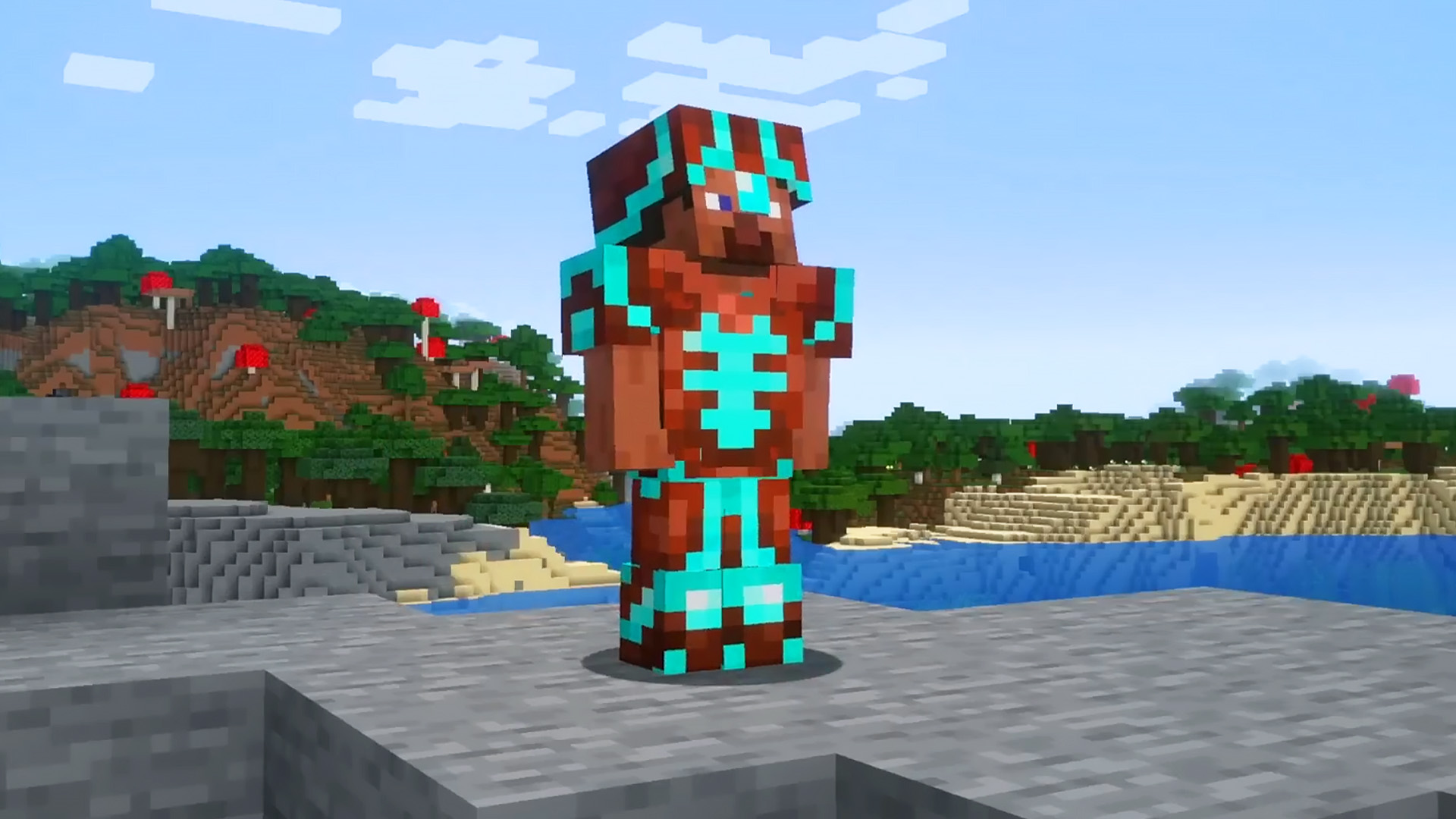
Minecraft armor trims give players a simple way to turn plain gear into something more personal. Added in the Trails and Tales update, these smithing templates are purely cosmetic, but they open up a surprising amount of customization for armor, displays, and even the way you organize different sets.
What armor trims do
Armor trims add decorative patterns to armor pieces. They do not change stats or offer gameplay advantages, but they do make equipment easier to distinguish at a glance, especially if you keep several sets with different enchantments.
They can also be used as display pieces on armor stands, which makes them useful for players who want their base to look a little more curated.
Where to find smithing templates
Smithing templates cannot be crafted from scratch. Each one has to be found in a specific location tied to its design, and you need a separate template for every armor piece you want to trim. A full armor set uses four templates.
There are 18 armor trim smithing templates in total.
How to apply an armor trim
Once you have a template, the process is straightforward at a smithing table:
- Open the smithing table interface.
- Place the smithing template in the first slot.
- Add the armor piece in the second slot.
- Put an ingot or crystal in the third slot.
You can preview the result before crafting it, which makes it easier to check whether the color and pattern are what you want.
The material used in the third slot determines the trim’s color.
Materials and trim colors
Different resources produce different trim colors, including:
- Amethyst — purple
- Copper — copper
- Diamond — cyan
- Emerald — green
- Gold — gold
- Iron — silver
- Lapis Lazuli — blue
- Netherite — slate
- Redstone — red
- Quartz — white
That gives players plenty of room to match armor trims with a preferred look or a specific set of gear.
Duplicating templates and upgrading to Netherite
Because templates are rare, duplication is useful if you want to trim a full armor set consistently. To duplicate one, use a crafting table, place the base material in the center, put the template above it, and fill the remaining slots with diamonds.
The Netherite Upgrade Smithing Template also plays a role in upgrading diamond tools, weapons, and armor. To convert a diamond item to Netherite, combine it in a smithing table with a Netherite ingot and the upgrade template.
Source
Source: PCGamesN