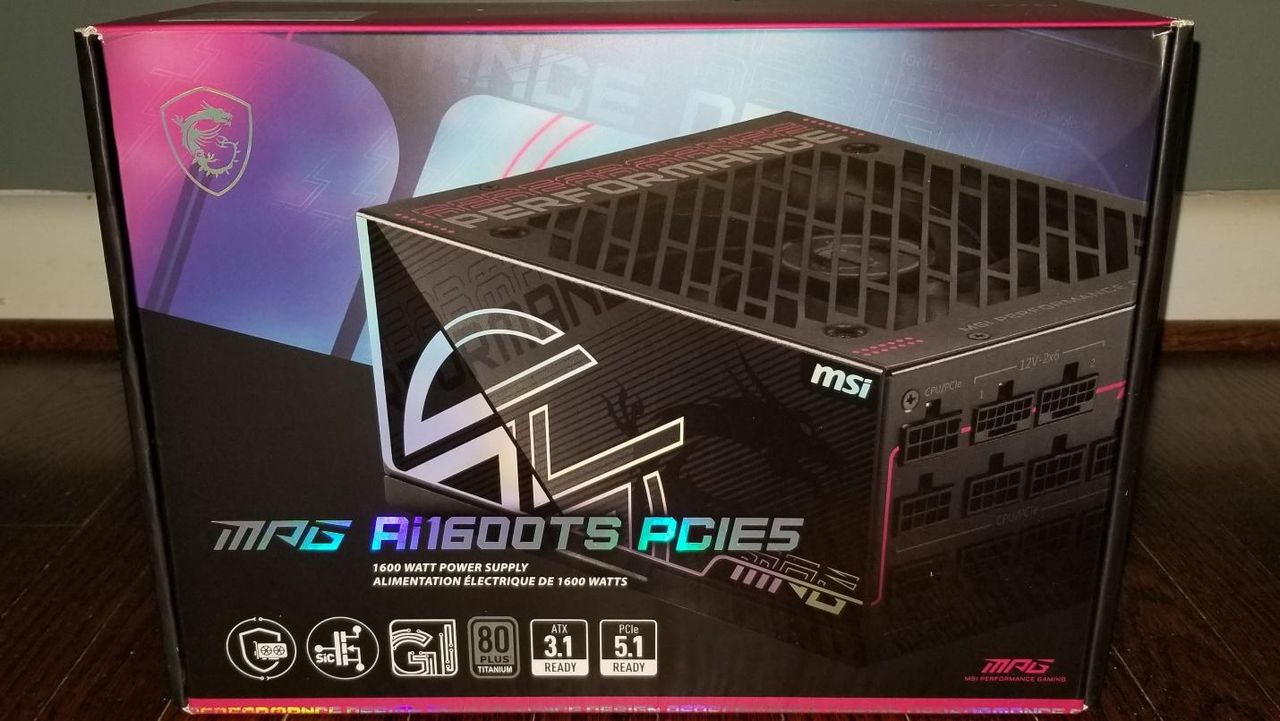
MSI’s new MPG Ai1600TS PSU is getting attention for more than its wattage. Alongside the company’s 1600W and 1300W 2026 MPG models, MSI is pushing a new protection feature called GPU Safeguard+, designed to reduce the risk of overheating and melting at 12V-2×6 GPU power connectors. The feature combines software monitoring with automatic intervention, and MSI has now shown how it behaves when a bad connection is detected.
What MSI added
GPU Safeguard+ is meant to catch the sort of connector problems that have followed high-end GPUs since the shift to 12VHPWR and 12V-2×6 power plugs. The concern is uneven current delivery when a cable is not seated properly or when an adapter introduces extra risk. In worst-case situations, that can lead to overheating, connector damage, or damage to the GPU and power supply.
MSI’s approach is not just a warning light. The PSU is designed to detect abnormal current behavior and then respond through software and hardware controls.
How the protection works
The safeguard works in stages. First, the PSU identifies a fault such as an uneven current distribution on the 12V-2×6 connector or a sudden current spike. Once that happens, MSI software can alert the user and lower GPU power to reduce stress on the cable.
The company also says the PSU can eventually cut power if the issue is not resolved. In practice, that means the system is not only watching for a problem, but trying to prevent it from becoming a failure.
- Detects abnormal current behavior on the 12V-2×6 connector
- Issues a warning through supported MSI software
- Can reduce GPU power to 75%
- May shut power off after a delay if the fault continues
Software monitoring and alerts
The MPG Ai1600TS and the 1300W model include a USB-C port and a USB-C to 9-pin cable for monitoring through MSI Center, MSI Afterburner, and HWiNFO. In MSI Center, users can view total system power draw, PSU efficiency, PSU temperature, and per-pin current distribution for the 12V-2×6 connector.
Afterburner support adds another layer. MSI says users need version 4.6.7, after which they can enable the PSU plugin in the Monitoring tab, display PSU metrics on screen, and set custom alerts. There are also dedicated PSU alarm options for the 12VHPWR connectors that activate GPU Safeguard+ behavior if a fault is detected.
What the testing showed
MSI’s test simulates an improper cable connection to see how the system reacts. The reported result is that the safeguard does what it is supposed to do: it warns the user, reduces GPU power, and eventually cuts off power if the problem continues.
The report does mention one limitation in the timing. There is about a three-minute window between fault detection and the PSU cutting power to the GPU. MSI says that delay is intentional so users have time to save their work before the system shuts down.
What buyers should keep in mind
For owners of power-hungry GPUs, the main appeal here is peace of mind. The feature does not remove the need for a properly seated cable, but it adds a layer of protection that could help prevent damage if something goes wrong.
MSI is positioning GPU Safeguard+ as a practical safety net rather than a replacement for careful installation. For now, it also remains a feature tied to MSI’s own PSU software and supported hardware, so buyers looking for this kind of monitoring will need to factor that into their PSU choice.
Source
Source: Tom’s Hardware